If you’d like to read my books but don’t see them at your local library yet, you can request them!
Why Requesting Books Matters
Requesting books from your local library is a great way to share your favorite stories with your community and help other readers discover them. Libraries rely on patron requests to guide their purchasing decisions, so your suggestion can directly lead to a book being added to the collection. It’s also a wonderful way to support authors—libraries purchase their copies, which means authors are paid for their work, while readers still get to enjoy books for free. When readers use libraries, everyone benefits: the library, the author, and the community as a whole.
How to Request Books from you Local Library
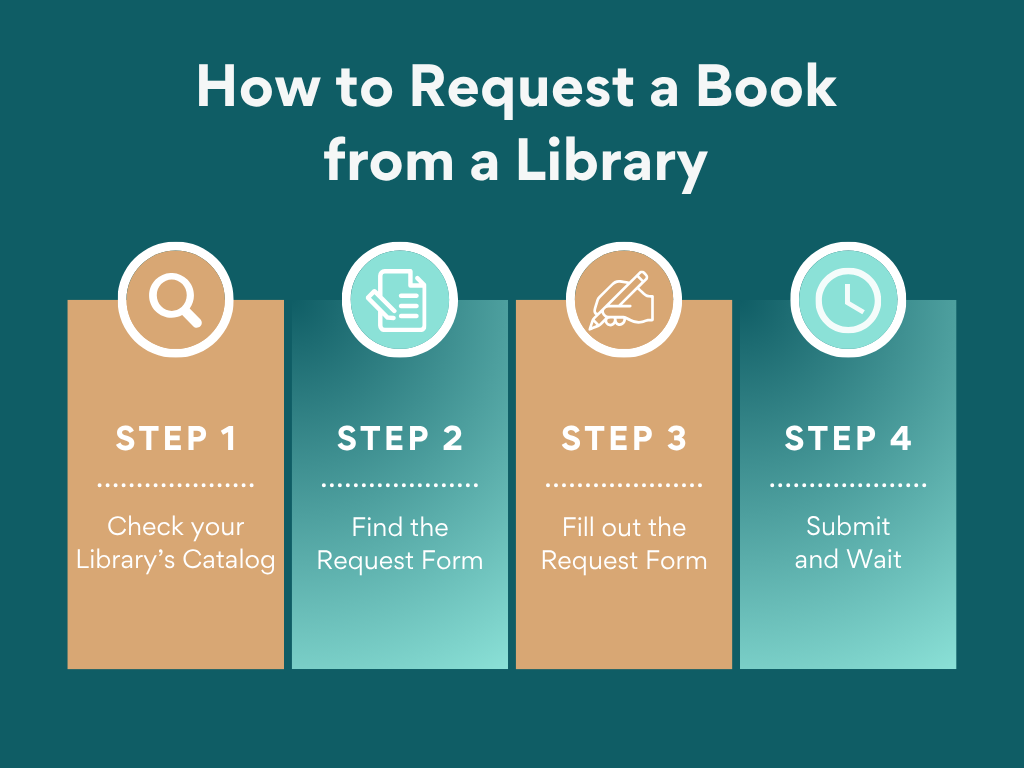
Step 1: Check Your Library’s Catalog
Start by searching your library’s online catalog to see if the book is already available. Check both print and ebook formats, as libraries often carry digital titles through platforms like OverDrive, Libby, or Hoopla.
Step 2: Find the Request Form
Most libraries have an online form for requesting purchases. You can often it on their website under Services, Borrowing, or Help. It might be called something like Suggest a Purchase, Request a Title, or Recommend a Book for the Library.
Step 3: Fill Out the Request Form
When filling out the form, include as much information as possible. Helpful details often include: title, author, genre, format, and ISBN (the identification number specific to the book format that helps the librarian order the book).
Below is the information needed for the first two books in my Reliance Sinclair series:
Title: On Impulse
Author: Heather Texle
Genre: Science Fiction
Hardcover ISBN: 979-8-9874171-0-2
Paperback ISBN: 979-8-9874171-1-9
eBook ISBN: 979-8-9874171-2-6
Title: On Impact
Author: Heather Texle
Genre: Science Fiction
Hardcover ISBN: 979-8-9874171-5-7
Paperback ISBN: 979-8-9874171-4-0
eBook ISBN: 979-8-9874171-3-3
Step 4: Submit and Wait
Once you submit the request, the library will review it. Be patient and know that not every book is approved. Libraries have to work within a budget a balance dozens of requests.
If your library adds the book, you’ll often receive a notification—or you might spot it in the catalog later. Either way, thank you for supporting authors and libraries at the same time.
Your Library Purchased your Requested eBook. Now What?
Most libraries use Libby or Hoopla to deliver ebooks. The process is the same for either.
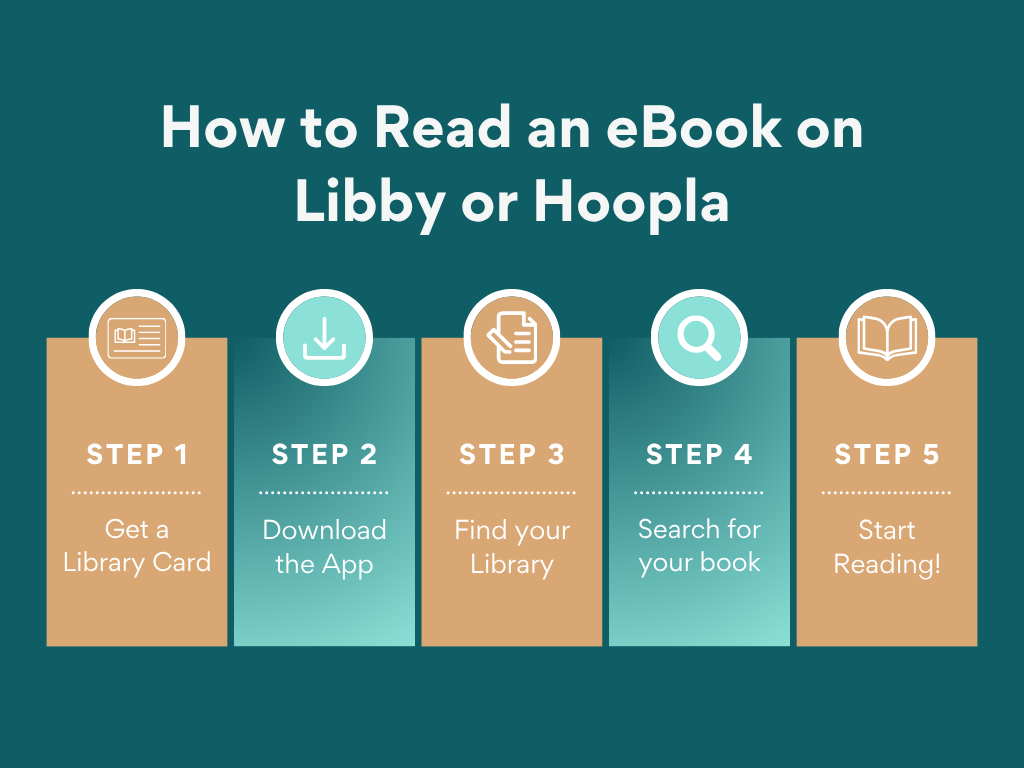
1. Get a library card.
2. Download and open the free Libby or Hoopla app.
3. Find your library and sign in with your library card.
4. Browse suggested books or search for a particular one.
5. Start reading!
Libby books can be read on some ereaders.
Kindle (U.S. only):
1. Tap Shelf
2. Tap Loans
3. Tap Read with…
4. Tap Kindle.
5. It will take you to Amazon’s website, and you may need to sign in.
6. Tap Get Library Book. Your library book should appear in your Kindle device or app.
Kobo (newer models):
1. Browse, borrow, and read directly on your Kobo.
Or
1. Browse and borrow in your Libby app.
2. Sign into you Libby/Overdrive account on your Kobo device.
3. Books will appear in your Kobo after you sync it.